World War Sandbox Battlepass, Coins & Unlocks
Level up, earn coins, and unlock maps, powers, and Battlepass rewards—explained without invented price tables.
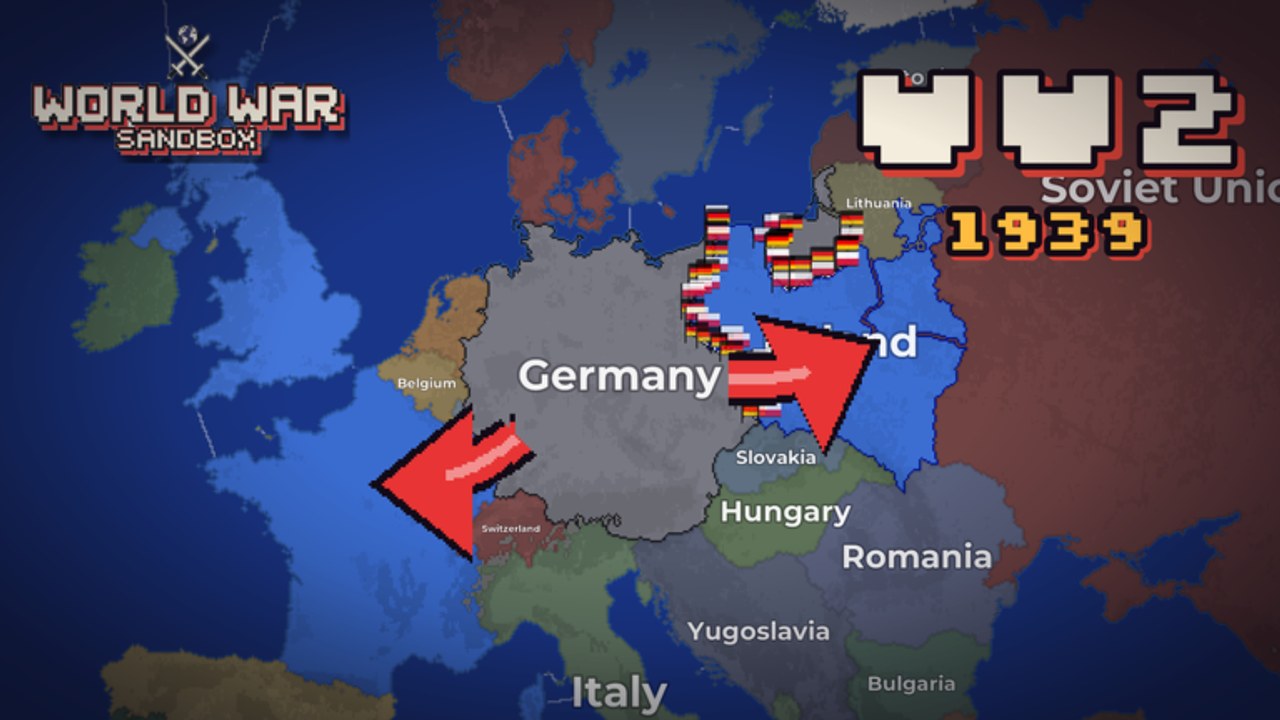
Progression in World War Sandbox is straightforward in marketing copy and easy to overcomplicate in fan guides. The official loop is clear: level up, earn coins, and unlock new maps, powers, and Battlepass rewards. This page explains how that loop fits a normal play session—hosting, spectating, Map Editor time, and god-power practice—without inventing exact coin prices, XP numbers, or premium track costs that the public description does not publish.
For lobby manners while you grind, read the Players Hub. For which powers to unlock toward first, skim the God Powers Tier List and the God Powers guide. New accounts should still complete Getting Started before optimizing rewards.
The official progression promise
From the game’s own description, players can:
- Watch or steer 200+ nations across eras from the Roman Empire to the Cold War
- Use god powers such as nukes, meteors, floods, volcanoes, revolts, and more
- Command flag troops on the fronts
- Paint maps in a private Map Editor
- Host worlds for friends to join and watch, and share worlds with the community
- Level up, earn coins, and unlock maps, powers, and Battlepass rewards
Everything below expands that loop in practical language. If a UI label in your client differs after a patch, trust the client and Updates over any frozen screenshot on a wiki.
Leveling: why session length matters
Levels gate content. Exact XP sources can change, but the player-facing pattern in sandboxes like this is consistent: time in meaningful sessions beats instant map deletion if your goal is unlocks. Wiping the world in thirty seconds is fun once; it is a poor grind loop when you still need maps or powers.
Practical habits:
- Host or join a lobby with agreed light-power rules so the map lasts.
- Mix spectating AI wars with light flag-troop involvement.
- Try Map Editor practice in private when public lobbies are pure chaos.
- Claim Battlepass progress whenever the UI offers a claim—do not assume it always auto-grants.
- After ability patches, re-read Abilities Update so new unlocks make sense.
Coins: soft currency for unlocks
Coins are the earnable currency called out alongside leveling. Players spend or redeem them toward unlocks tied to maps and powers (and related catalog entries the shop or unlock panel shows). We do not list fake prices here. Open the in-game unlock or shop UI for live costs—those numbers belong to the live game, not to a static article.
Coin mindset:
- Earn through normal play rather than only chasing unverified third-party “coin scripts” (account risk; see Scripts only with extreme caution).
- Prioritize unlocks that match how you host: Map Editor enthusiasts may value maps first; chaos creators may value signature powers first.
- Recheck costs after major updates; economy tweaks happen in live Roblox games.
If promo codes ever grant coins or related rewards, they will appear on Codes when verified. An empty or “watching” codes list still means you should peek back after events.
Battlepass rewards
The Battlepass is listed alongside maps and powers as part of what leveling and coins help you unlock. Typical Roblox Battlepass patterns include a free track, a premium track, timed seasons, and claimable reward tiers—but this wiki will not invent track lengths, Robux prices, or item tables that are not confirmed in your client.
What you should do in-game:
- Open the Battlepass panel from the experience UI.
- Note whether a season timer is active.
- Claim available free-track rewards regularly.
- Only buy premium tracks if you understand the live price and reward preview.
- Screenshot your own track if you want a personal checklist; community spreadsheets go stale fast.
Battlepass cosmetics or unlocks that change powers should be tested in a private host before you rely on them in a full 12-player chaos lobby.
Unlocking maps
Maps matter because eras and geography change how wars and god powers feel. A narrow custom board makes Flood dramatic; a huge cold-war board makes Nuke thematic. Unlock and Map Editor access let you move from default experiences into personal stages you can host and share.
Workflow many players like:
- Learn defaults via Getting Started.
- Unlock additional maps as coins/levels allow.
- Paint or tweak in the Map Editor.
- Host with clear power rules from the Players Hub.
- Share the world when it is stable enough for guests to spectate.
Unlocking powers
Powers define the fantasy: Nuke, Meteor, Flood, Volcano, Revolt, and more. Community impact rankings live on the God Powers Tier List. Progression-wise, unlock order should match your etiquette:
| If you mainly… | Unlock priority (conceptually) |
|---|---|
| Spectate / teach | Control tools like Revolt first |
| Record chaos clips | Signature disasters (Meteor/Nuke) when ready |
| Narrative GM | Mix of Revolt + Volcano/Flood |
| Editor showcase | Whatever preserves the board |
Remember: owning an S-tier wipe tool does not obligate you to use it every lobby.
Hosting while grinding
Server size is 12. That is enough for a lively audience and enough for one player to ruin the economy of attention with endless wipes. If your goal is Battlepass progress, say so in chat: “Grinding unlocks—light powers only.” Most guests will cooperate if you ask early.
Shared worlds and hosted spectating also keep friends online longer, which indirectly helps everyone who still needs coin income from real sessions rather than empty servers.
What we will not publish
To stay honest:
- No invented coin prices or XP charts
- No fake Battlepass Robux costs
- No guaranteed drop rates
- No unofficial “instant max level” methods
When the studio publishes exact tables, or when trustworthy in-game UI can be quoted, this page can gain a dated numbers section. Until then, the loop description above is the durable guide.
Related guides
- Players Hub — hosting and community norms
- Getting Started — first-hour checklist
- God Powers — ability overview
- God Powers Tier List — community rankings
- Abilities Update — patch notes for powers
- Codes — promo rewards when live
- Links Hub — official game and group
- Tier List Hub — broader strategy tiers
Level patiently, claim rewards often, and unlock the maps and powers that match the wars you actually want to host.
Frequently Asked Questions
Quick answers about powers, hosting, codes, and progression.
How do I earn coins?
Play normally: level up through sessions, host or join worlds, and use the in-game systems. Exact earn rates belong in the live client, not in invented wiki tables.
Does this page list Battlepass prices?
No. We avoid fake Robux or coin prices. Open the Battlepass UI in World War Sandbox for current costs and rewards.
What do unlocks include?
Officially: new maps, powers, and Battlepass rewards as you level and earn coins. Check panels in-game for your account’s next unlocks.
Should I wipe the map while grinding?
For progression, longer sessions usually help more. Use house rules from the Players Hub if you need the world to last.