World War Sandbox Private Map Editor Guide
Paint continents, carve borders, and prepare custom theaters of war you can host for friends.
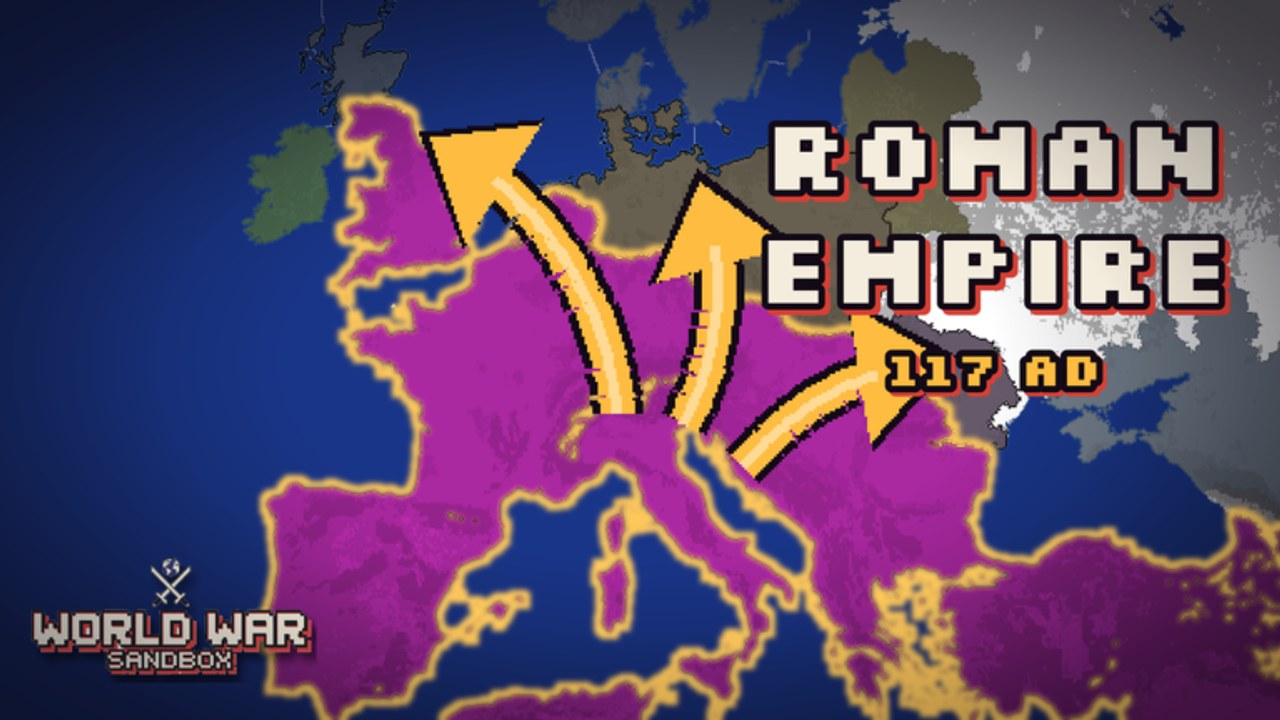
The private Map Editor is where World War Sandbox stops being “a preset era” and becomes your sandbox. Paint land, shape regions, and design borders that create interesting wars — then host the result so friends can spectate or meddle with god powers. This guide focuses on practical painting habits, layout ideas, and how editor work connects to multiplayer. If you are still learning camera and selection, skim Controls first.
Why paint your own map?
Preset eras from the Roman Empire through the Cold War are excellent. Custom maps shine when you want:
- A tiny island war that finishes in one sitting.
- A mirror 1v1 continent for fair spectator sports.
- A meme geography (ring world, mega-canal, fortress archipelago) that official maps will never ship.
- A teaching map for new players with obvious chokepoints and readable nation sizes.
Creator group Nwtaken X Gamboss built hosting and sharing around community creativity. A clear custom map is the fastest way to make your server memorable among ~12-player sessions.
Editor mindset: design for war, not for paint
Pretty coastlines matter less than conflict geometry. Before detailing every peninsula, answer:
- How many major powers should feel viable?
- Where are the chokepoints that create legendary battles?
- Which regions are breadbaskets vs. barren buffers?
- Will floods and volcanoes have obvious high-impact targets?
- Can spectators understand the map at a glance when zoomed out?
If a map is beautiful but every war stalemates in identical plains, keep iterating. Sandbox fun comes from asymmetric coasts, mountain walls, narrow isthmuses, and island chains that invite naval drama.
Suggested painting workflow
Work in passes instead of finishing one corner at 100% detail:
Pass 1 — Silhouette
Block in continents and major seas. Zoom out often. If the silhouette is boring at thumbnail scale, detailing will not save it.
Pass 2 — Regions and size balance
Carve large regions so two to six “main characters” can emerge. Avoid one mega-blob and twenty micro-states unless that is the joke (underdog revolts become the theme).
Pass 3 — Borders and chokepoints
Add contested seams: river-like borders, mountain gates, and coastal hinges. These are where flag troop commands and revolts feel best on camera.
Pass 4 — Disaster readability
Place a few obvious volcano candidates, floodable lowlands, and dense urban-looking cores so god powers have cinematic targets. Your future self will thank you during hosted nights.
Pass 5 — Playtest scrub
Run the map solo. Watch AI expansion for ten quiet minutes. Note dead zones, unbeatable starts, and borders that never ignite. Edit again before inviting friends.
Private editor tips that save time
- Zoom discipline: Paint borders zoomed in; judge balance zoomed out. Alternate every few minutes.
- Brush patience: Prefer multiple light strokes over one oversized smear you cannot undo cleanly.
- Name with intent: If the editor workflow lets you label or distinguish regions clearly, use readable names for callouts in voice chat.
- Save milestones: Keep a “good enough v1” before experimental rewrites so you can roll back mentally even if versions are limited.
- Theme lock: Decide ancient, industrial, or cold-war fantasy early so later power house rules match the art.
Mobile painting is possible but slower; desktop usually wins for precise borders. See Controls for input habits that reduce mis-taps.
Map archetypes to try
Archipelago ladder — Islands in a chain. Wars hop step-by-step; meteors on bridges become legendary.
Two continents, one canal — Dual power centers linked by a single canal province. Perfect for spectator narratives.
Fortress interior — Harsh mountains around a rich bowl. Revolts inside the bowl matter more than border nukes.
Fair split — Symmetric halves for 1v1 country showdowns. Great when you want clean “who wins” nights instead of free-for-all chaos.
Tutorial puddle — Tiny map with four nations for teaching newcomers Getting Started skills without overwhelming them.
From editor to hosted world
Painting is only half the loop. When the map is ready:
- Host a world (details in Hosting Worlds).
- Explain house rules for powers before anyone joins.
- Let the AI run briefly so guests see living borders.
- Invite light interventions first; save nukes for the finale if you care about longevity.
- Share successful maps with the community when you are proud of the layout.
Custom maps also pair with progression goals: coins and unlocks may expand which official maps you own, but your private editor creations are how you stand out.
Common editor mistakes
- Overdetailing coastlines before testing AI wars.
- No chokepoints, leading to boring blob merges.
- Micro-state spam that confuses selection on mobile.
- Ignoring disaster stages so floods have nowhere interesting to go.
- Skipping playtest, then blaming powers when the geography is the real problem.
After you publish a favorite layout
Document what worked: which choke held, which revolt flipped the game, which meteor ended the night. Revisit the map after patches — free abilities from the Abilities Update can change how fragile your carefully tuned balance feels. Track broader game changes on Updates, claim rewards via Codes when available, and keep exploring sibling pages from the Guides Hub.
A great World War Sandbox map is not a painting contest winner. It is a stage where 200-nation energy — or a tight custom cast — produces stories your friends still quote the next day.
Frequently Asked Questions
Quick answers about powers, hosting, codes, and progression.
Is the Map Editor private?
Yes. World War Sandbox includes a private Map Editor for painting custom maps. Host or share when you are ready for friends and community players to experience them.
What makes a good custom map?
Clear silhouettes, balanced major powers, obvious chokepoints, and readable targets for floods, volcanoes, and troop pushes. Playtest with the AI before hosting.
Should I paint on mobile or desktop?
Desktop is usually better for precise borders. Mobile works for silhouettes and light edits; use larger zoom and slower strokes to avoid mis-paints.
How do custom maps connect to god powers?
Design lowlands, mountains, and dense cores so powers have cinematic targets. Agree on power house rules when hosting so one nuke does not erase hours of painting.
What should I do after finishing a map?
Solo playtest, then host a small friend session. Iterate on dead zones and unbeatable starts before sharing widely with the community.